never be the limiting factor in your own story.

Warning:

it’s not for everyone

Movement is the foundation of behavior. How we move informs how we feel, programs how we think, and ultimately defines how we act. At OLLIN, we use Strength, Power, and Endurance as more than just metrics—they are the signals we use to foster Confidence, Sensitivity, and Trust.

This is not a list of exercises. It is an invitation to explore fitness as a craft by inspiring thousands of ideas on how to train from some of the world’s best coaches. We refuse to condense or dumb down the process; instead, we invite you to play with these concepts in their rawest form. What you extract from this resource will be a direct reflection of what you invest.

It isn’t simple. It isn’t easy. And we can’t do it for you. One of the biggest misconceptions and reasons for disappointment in fitness, is thinking that this is a service. This is an education. If you share our fascination with the intersection of movement and improvement, we invite you to come explore and learn with us.

We can’t distill everything that is in this program into a clever infographic, but we can say it will forever change how you see fitness

This is not some ordinary program.

While others focus on reps and sets, exercises and aesthetics, we see something deeper.

Think

Train

Become

The OLLIN Program
$42.00
Every month

Daily Training. Creative Concepts. Fitness With Soul.

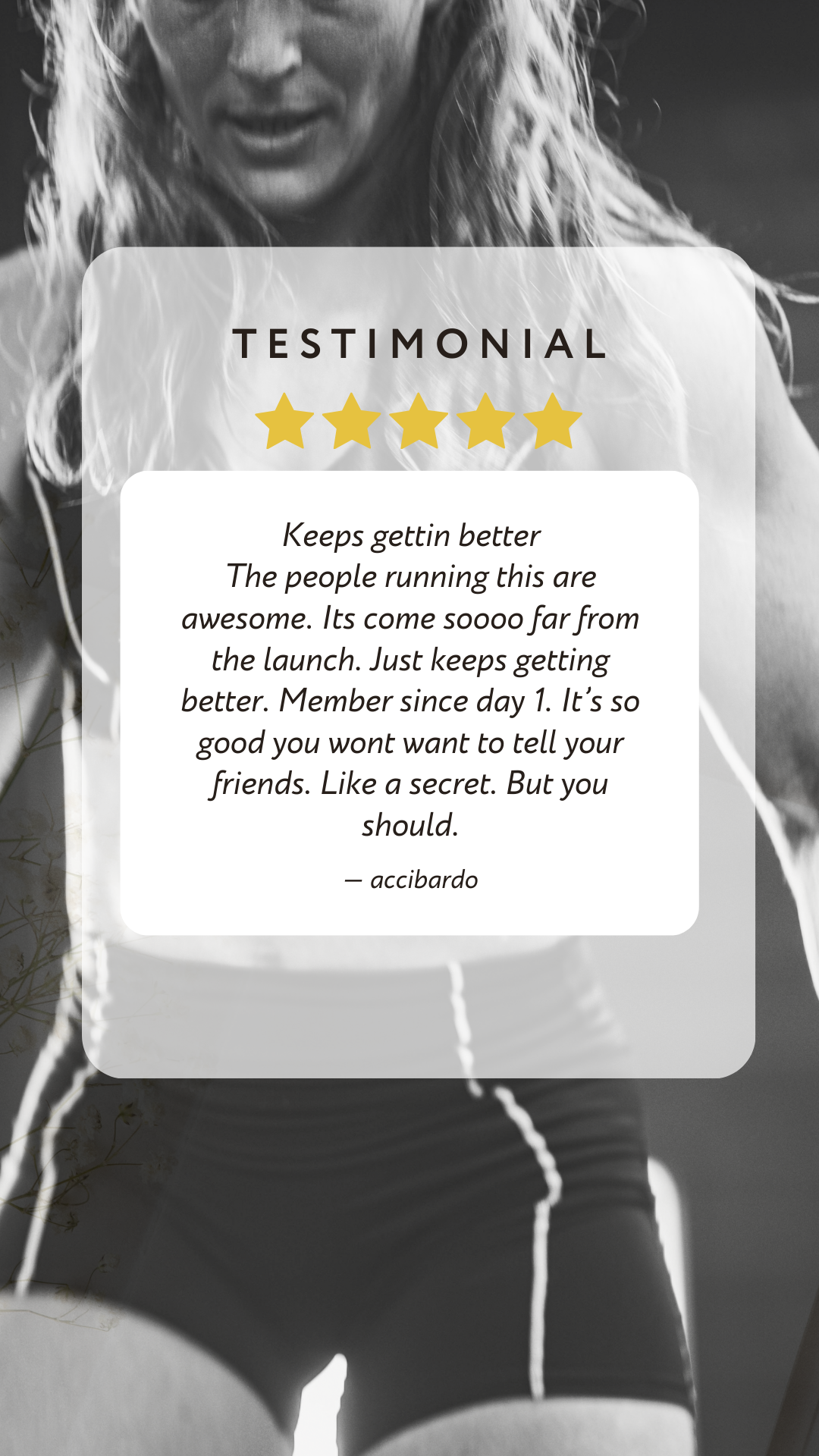
What People are saying about us:

# OLLIN Homepage — Squarespace Code Block Deployment These 3 files get the new homepage onto your live Squarespace site so you can test the Join OLLIN popup end-to-end. **Required Squarespace plan:** Business, Commerce, or higher (Personal plan blocks custom JS). --- ## Order of operations ### 1. Upload assets to Squarespace The HTML references local images and a video. Upload each into Squarespace and grab its asset URL: **Settings → Files → Upload** these files (located in the `img/` and `video/` folders of this project): - `img/logo.png` - `img/banner.png` (hero poster fallback) - `img/portrait-1.jpg` (The Program card) - `img/prog-quest.jpg` (The Quest) - `img/pullup.jpg` (Escape Velocity) - `img/headdown.jpg` (First Contact) - `img/hair.jpg` (Free Fall) - `img/prog-groundwork.jpg` (GroundWork BJJ) - `img/prog-milsel.jpg` (MIL_SEL) - `img/prog-shorties.jpg` (Shorties) - `img/res-movement.jpg`, `img/res-warmup.jpg`, `img/res-mobility.jpg`, `img/res-tracker.jpg`, `img/res-articles.jpg`, `img/res-podcast.png` (6 resource cards) - `video/ollin-hero-banner.mp4` (hero video) Right-click each uploaded file → Copy Link → you'll get a URL like `https://static1.squarespace.com/static/.../v/.../filename.jpg`. ### 2. Find & replace asset paths in `03-code-block.html` Open `03-code-block.html` and replace every relative path with the Squarespace URL: ``` img/logo.png → https://static1.squarespace.com/.../logo.png img/banner.png → https://static1.squarespace.com/.../banner.png img/portrait-1.jpg → ... ... video/ollin-hero-banner.mp4 → ... ``` (Article photos in Section 7 are already pointing at the Squarespace CDN URLs, so they need no change.) ### 3. Inject the fonts (header) **Settings → Advanced → Code Injection → HEADER** Paste the entire contents of `01-header-injection.html`. Save. ### 4. Add the styles (Custom CSS) **Design → Custom CSS** Paste the entire contents of `02-custom-css.css`. Save. ### 5. Create the page 1. **Pages → + → Blank page** — name it something like "OLLIN Home" 2. Open the page editor → delete any default sections 3. Add a **Code block** (set it to full-width if Squarespace gives you the option) 4. Paste the entire contents of `03-code-block.html` (after asset paths are replaced) 5. Save ### 6. Make sure the Member Area runtime loads The Join OLLIN button calls `UserAccountApi.joinPricingPlan(...)`. For that function to exist on the page, Squarespace needs to have loaded its Member Area JS bundle. The simplest way to guarantee this: - On the same page, add a **Member Area block** anywhere (even at the very bottom — you can later hide it via CSS once we confirm the popup fires) - OR ensure the page is part of a member-area-enabled section of your site If the popup still doesn't open, view the page in your browser, open dev tools console, and type `window.UserAccountApi` — if it returns `undefined`, the runtime isn't loaded. ### 7. Set as homepage **Pages → drag the new page to the top** of the Not Linked list, then **Set As Homepage** (right-click → Set As Homepage, or in some Squarespace versions: Home Settings → Home Page). --- ## Troubleshooting **The popup still does nothing.** Open browser dev tools console. Check for errors. Check `window.UserAccountApi` exists. If it doesn't, the Member Area block on the page isn't initializing — try saving the page and viewing it logged-out in an incognito window. **The video doesn't autoplay.** Browser autoplay rules require muted + playsinline (both are set). If still failing, the issue is usually the video URL — verify it's served from Squarespace's `static1.squarespace.com` with the right Content-Type, not a redirect. **The mega menu (Train) doesn't open.** The dropdown uses `position: fixed` and a JS positioning function. If Squarespace strips the inline `